Libraries for everything you keep
Separate libraries for movies, TV, anime, music and audiobooks, with live channels and recordings in Live TV and DVR. Portico adds artwork and details without touching the original files.

Viewers get their own home screen, their libraries and a player. Owners get the server controls, and viewers never see them. Everything on this page is free.
Browse, search, save and resume with the same profile wherever you use Portico. Start on the TV and finish on your phone, on the same server.
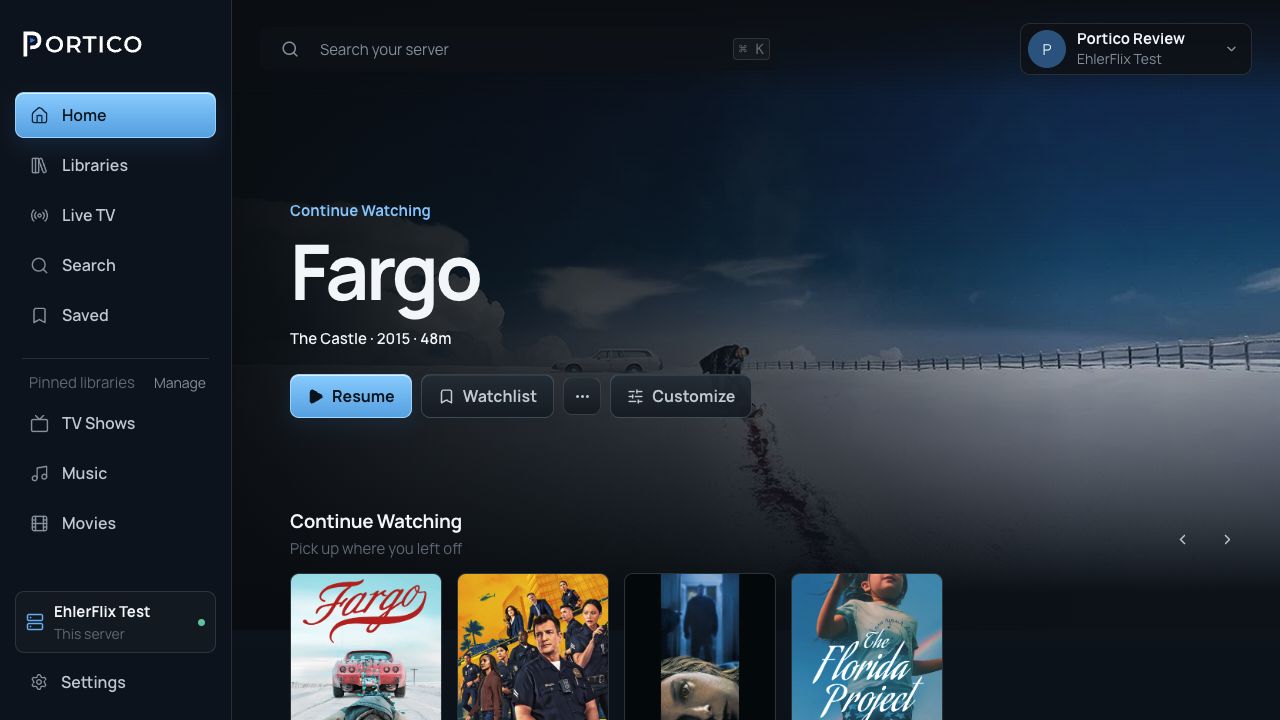
Portico reads your folders and fills in backdrops, cast and the full season and episode list for each title. If a title is matched wrong, you can pick the right one.
How to fix a match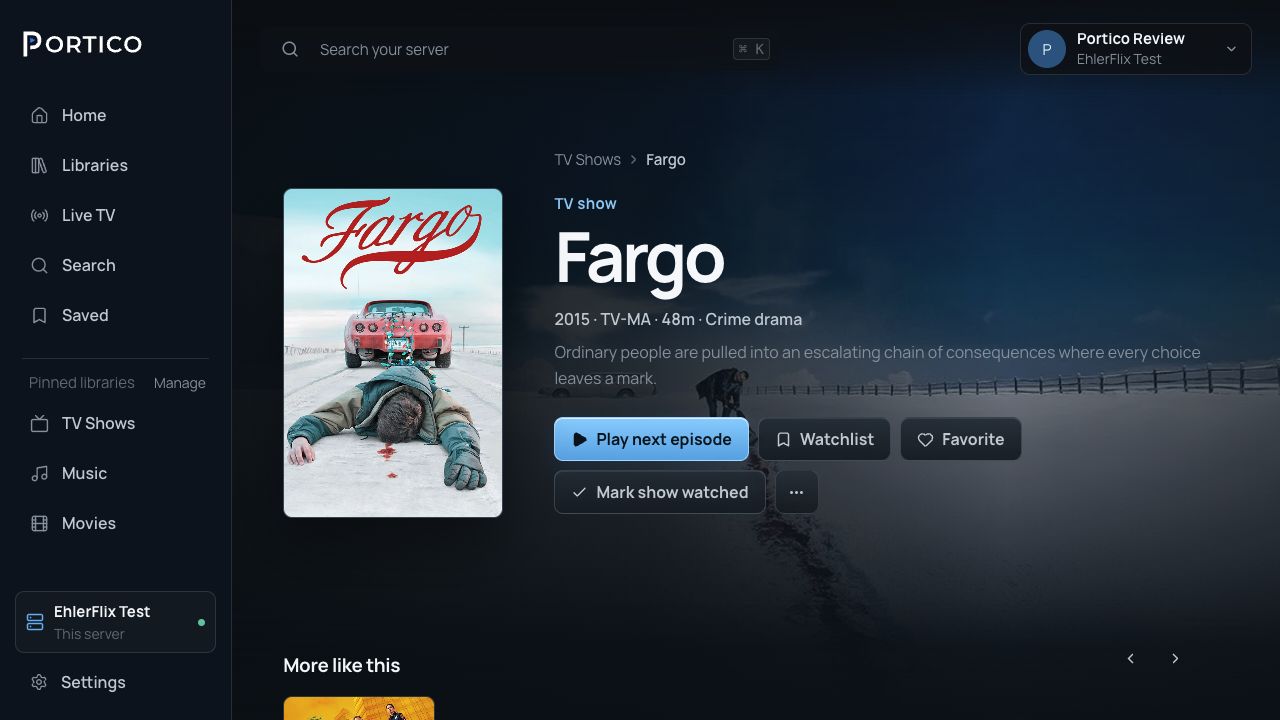
Separate libraries for movies, TV, anime, music and audiobooks, with live channels and recordings in Live TV and DVR. Portico adds artwork and details without touching the original files.
Each person signs in with their own account, and each profile keeps its own progress, My List, history and preferences. The server owner decides which libraries and actions each account can use.
Portico plays the original file whenever it can. When a device, audio track, subtitle or connection needs something else, the server remuxes it into a compatible container or transcodes what it has to.
Bring in compatible channels and guide data, watch live, schedule recordings and resolve conflicts, all on the same server.
A Portico Account helps your apps find and verify your server. Media then streams directly from your server to your app, never through Portico Services.
Libraries, people, playback, remote access, Live TV, scheduled work, backups, diagnostics and server health, all managed from Settings → Server in Portico Web.